1. Photo Upload
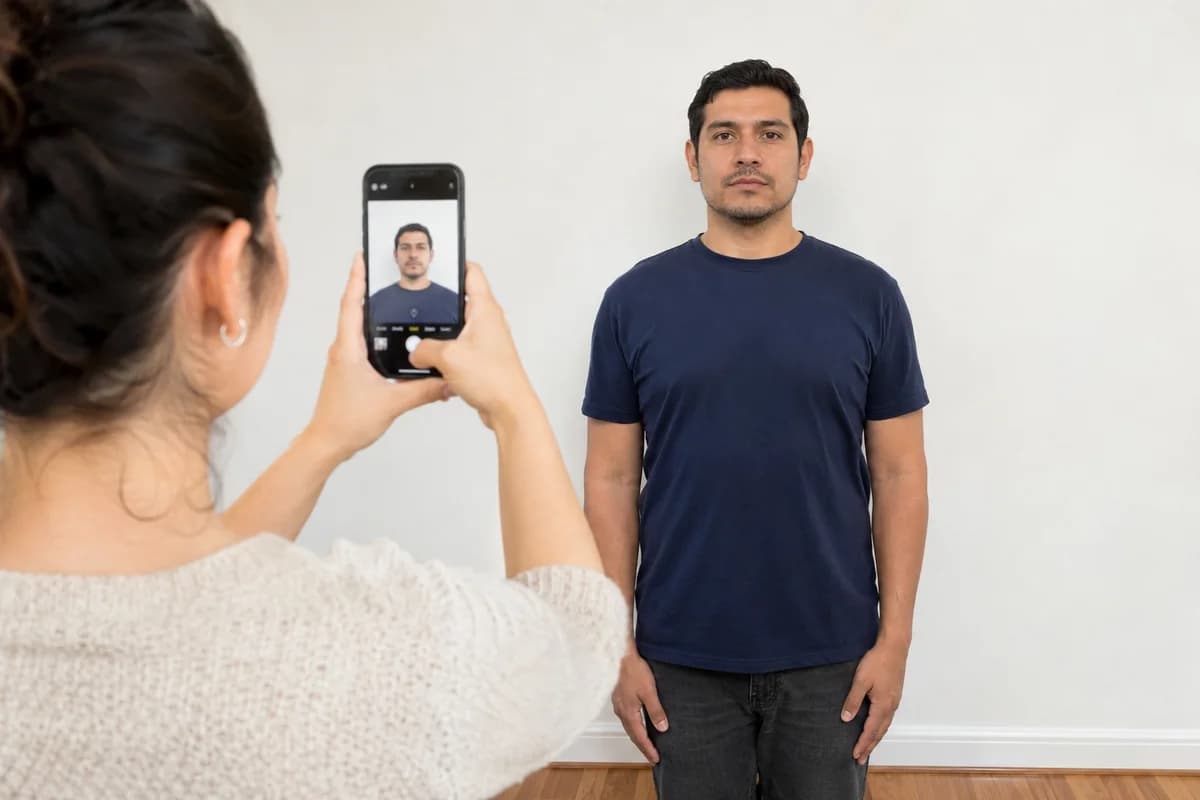
Take a selfie and upload it to our online tool.
Check the size, crop, background, and head position for U.S. passport, visa, green-card, and DV Lottery photos. Review the locked preview free, then pay only when you want the clean digital or print-ready download.
Upload once → Check the photo before you pay
Check My Photo Free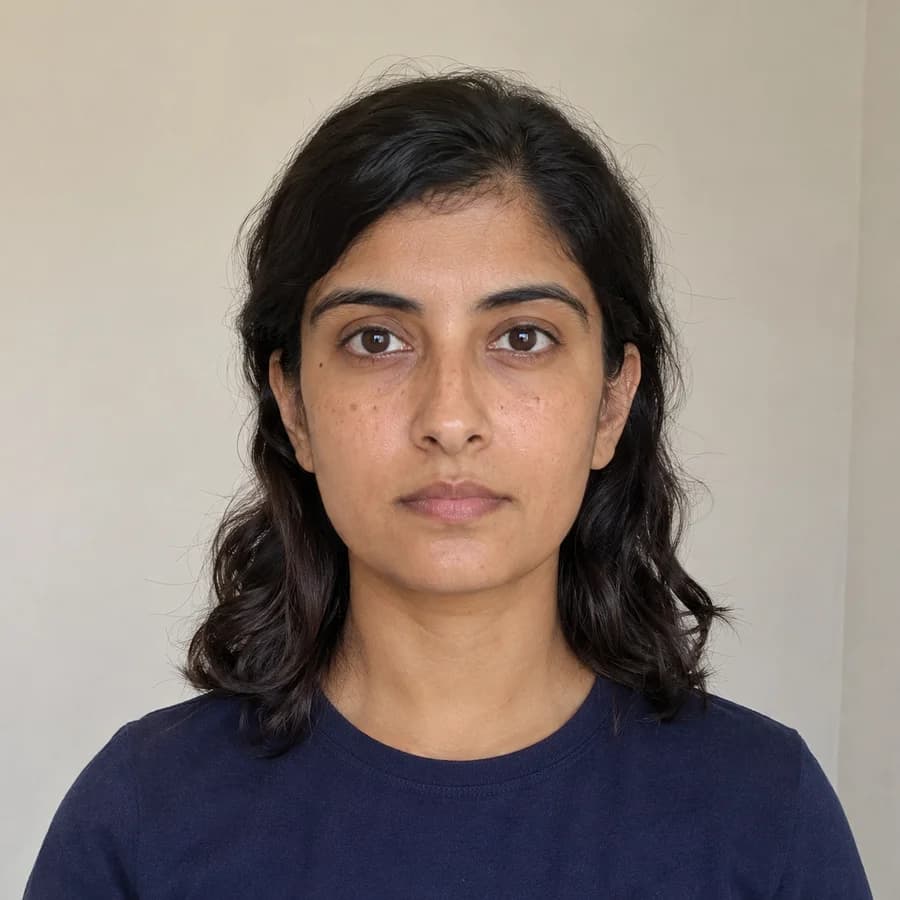
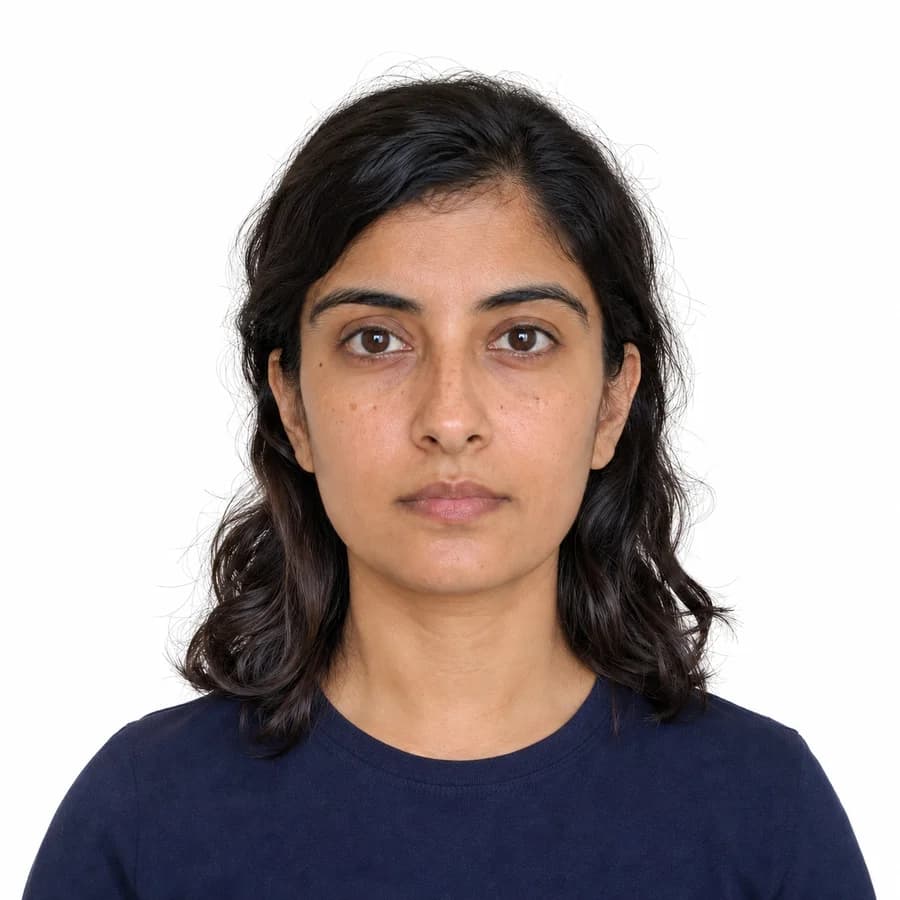
Drag to compare · Use arrow keys when focused
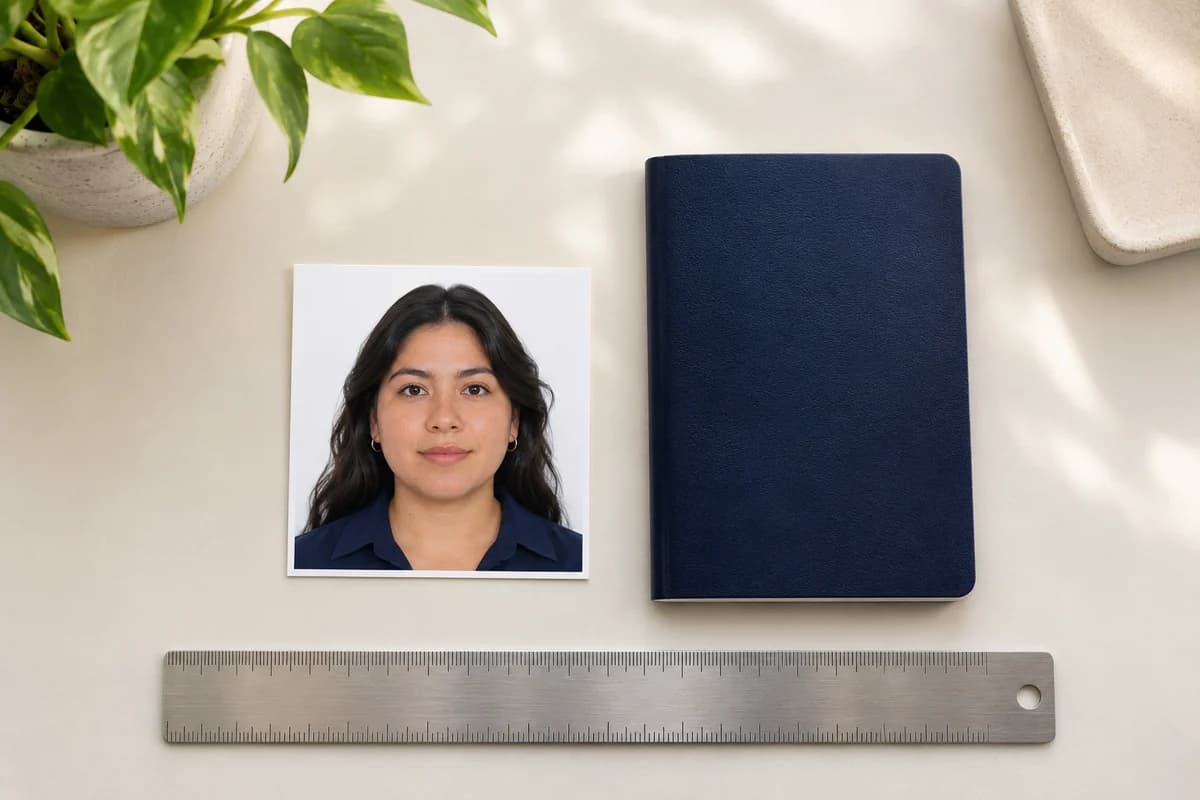
Checks based on official U.S. photo requirements
Create ID or visa photos with our online service. All you need is a smartphone or a laptop — US Passport Photo Online takes care of the rest. Follow these simple steps:
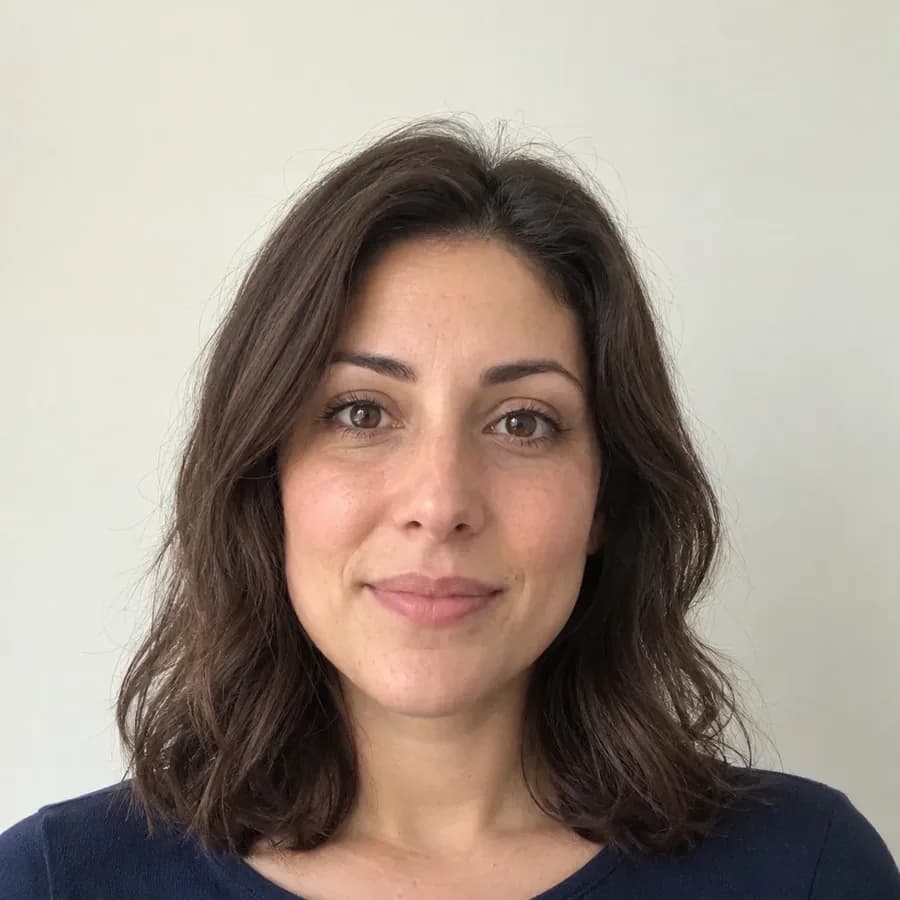

Government Photo Compliance Guaranteed
US Passport Photo Online is an independent service. We are not affiliated with any government, embassy, or consulate. All information on this website is based on official government requirements and verified primary sources. Final acceptance is determined solely by the issuing authority.
Step 1 of 4
Choose your document, then upload a clear photo or use your camera.
How it works
US Passport Photo Online makes photos for 5 types of ID document for the United States. The uploaded portrait doesn't have to be perfect — our software automatically adjusts it to official requirements, delivering a ready-to-download ID picture.
Photo Upload
Processing
Checkout
Download
Take a selfie and upload it to our online tool.
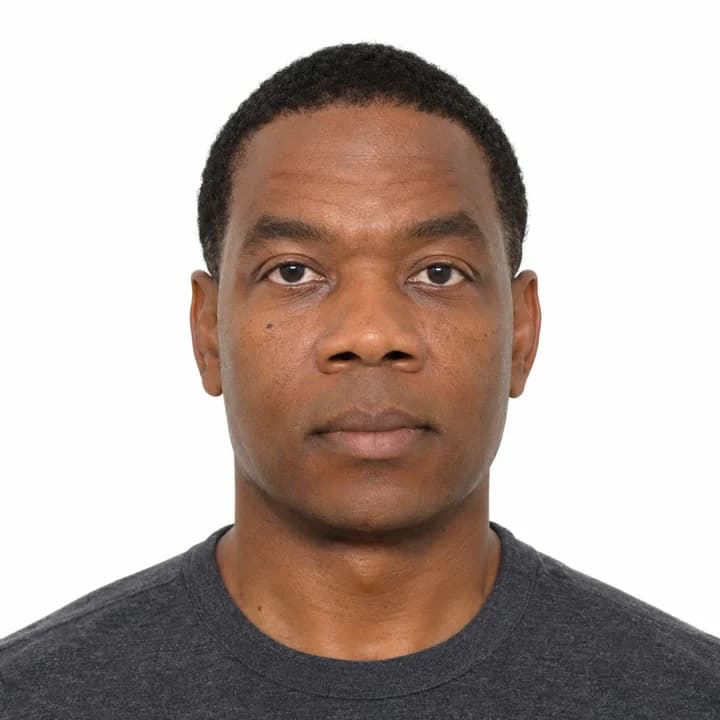
Processing...
In 30 seconds, your portrait is transformed into an ID photo.
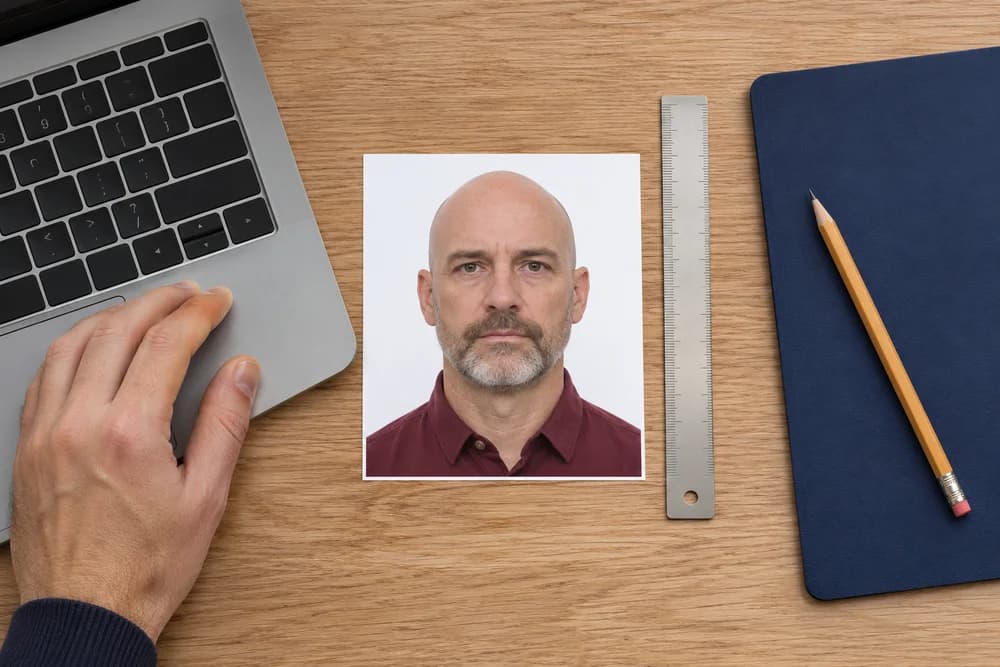
Expert review available
Add a manual compliance check before download.
Select options or add expert verification
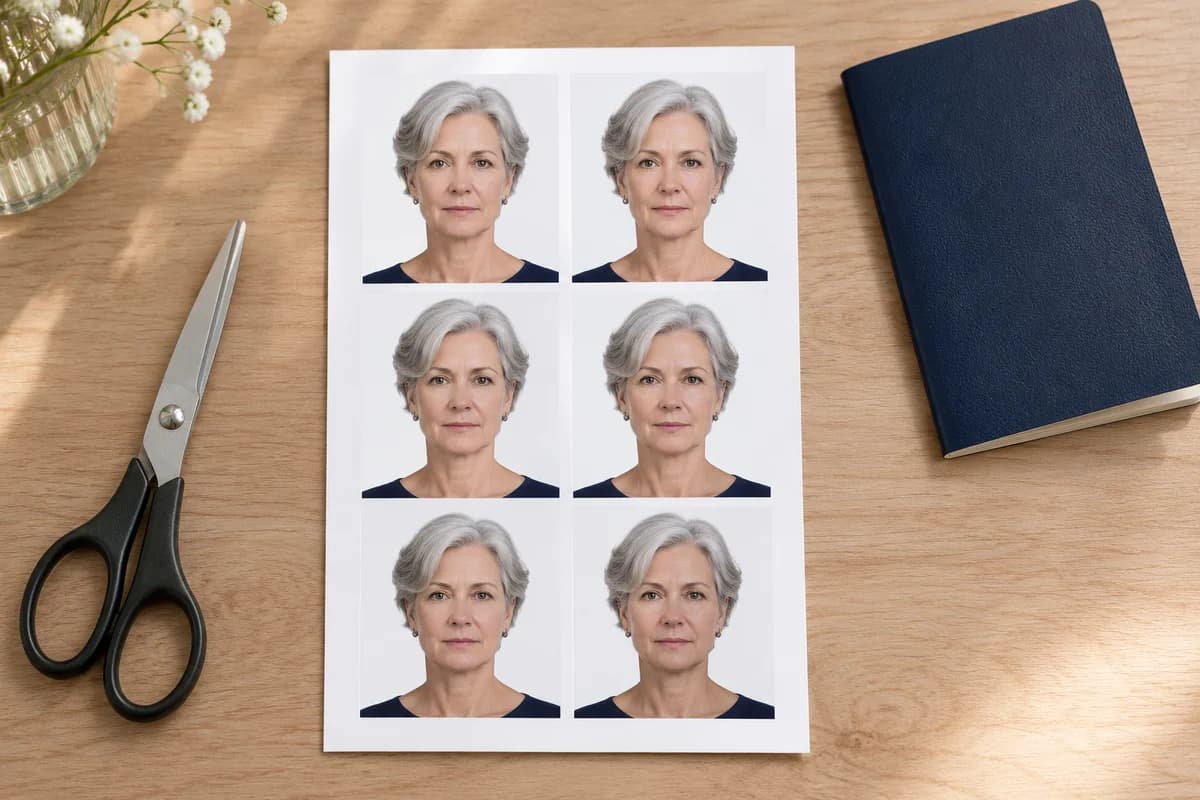
Get high-quality photos in digital or printable format.
For users in the United States: The U.S. Department of State prohibits digital alterations of ID photographs. Our platform provides sizing and cropping services only and does not modify or enhance images.
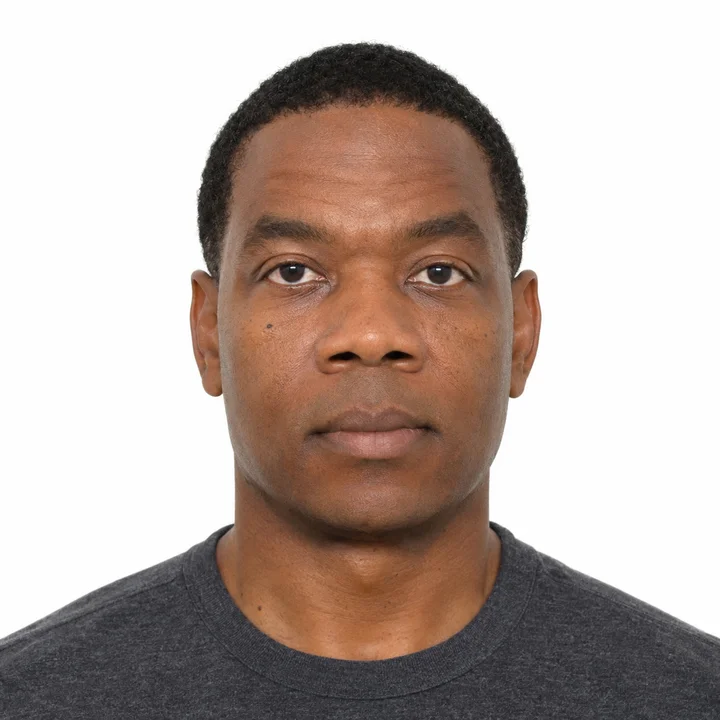
Correct size and framing
The photo is cropped to the destination document size and the head is positioned to the expected biometric band.
Plain white or off-white background
A uniform, light background without shadows, objects, people, or distracting texture.
Even lighting, no shadows, natural skin tone
Soft, balanced light across the face and background without flash glare or color casts.
Face centered, square to camera
The head stays straight, centered, and facing the camera with both eyes visible.
Neutral facial expression, eyes open, no smile
Mouth closed, eyes open, and a neutral expression for reliable biometric matching.
No headwear (religious/medical only)
Headwear is accepted only for religious or medical reasons and must not cover the face.
High-resolution, sharp image
No blur, noise, compression damage, filters, or edits that change the person’s appearance.
Most identification photographs adhere to two official standards: the first — biometric, established by the International Civil Aviation Organization (ICAO); the second — specific parameters and dimensions defined by each jurisdiction. US Passport Photo Online follows these regulations precisely, delivering 100% compliant photos.
While international ID photo standards share a common foundation, the details — such as head proportions, or the policies on prescription eyewear — vary across countries. Below are the official photo sizes and key parameters for popular documents. Click yours to find out more.

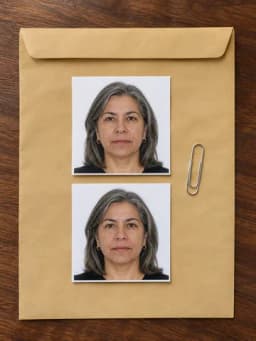
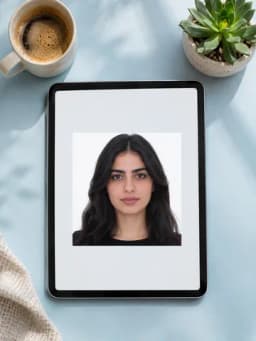
Your photos will pass government inspection after being checked by our experts.
A person checks your photo against the State Department photo rules and emails you within 24 hours.
Preview how your selfie is adjusted to official passport and ID requirements — choose a document, then click on a sample face or upload your portrait.
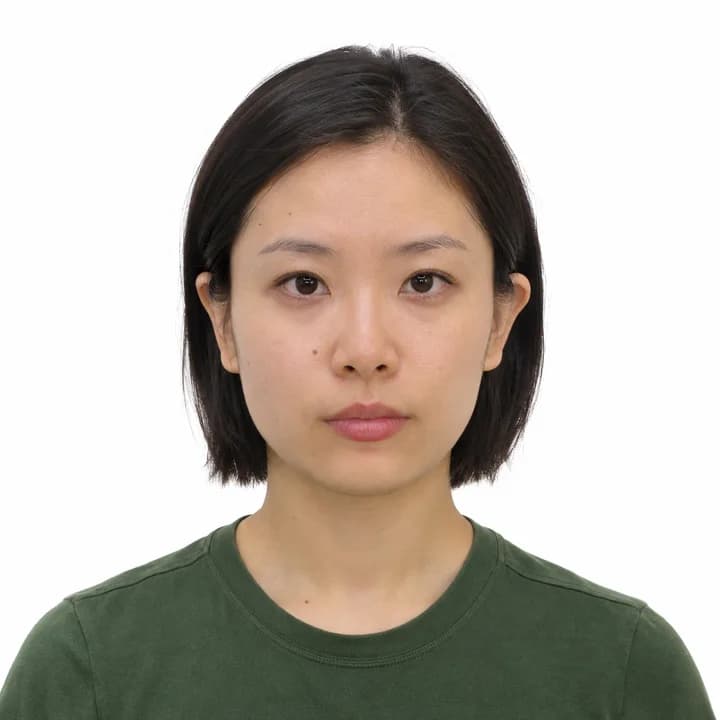
Use these handy tips and take a perfect ID or visa photo with your iPhone or digital camera, without leaving your home or office.
Choose a well-lit room. Stand near a window.
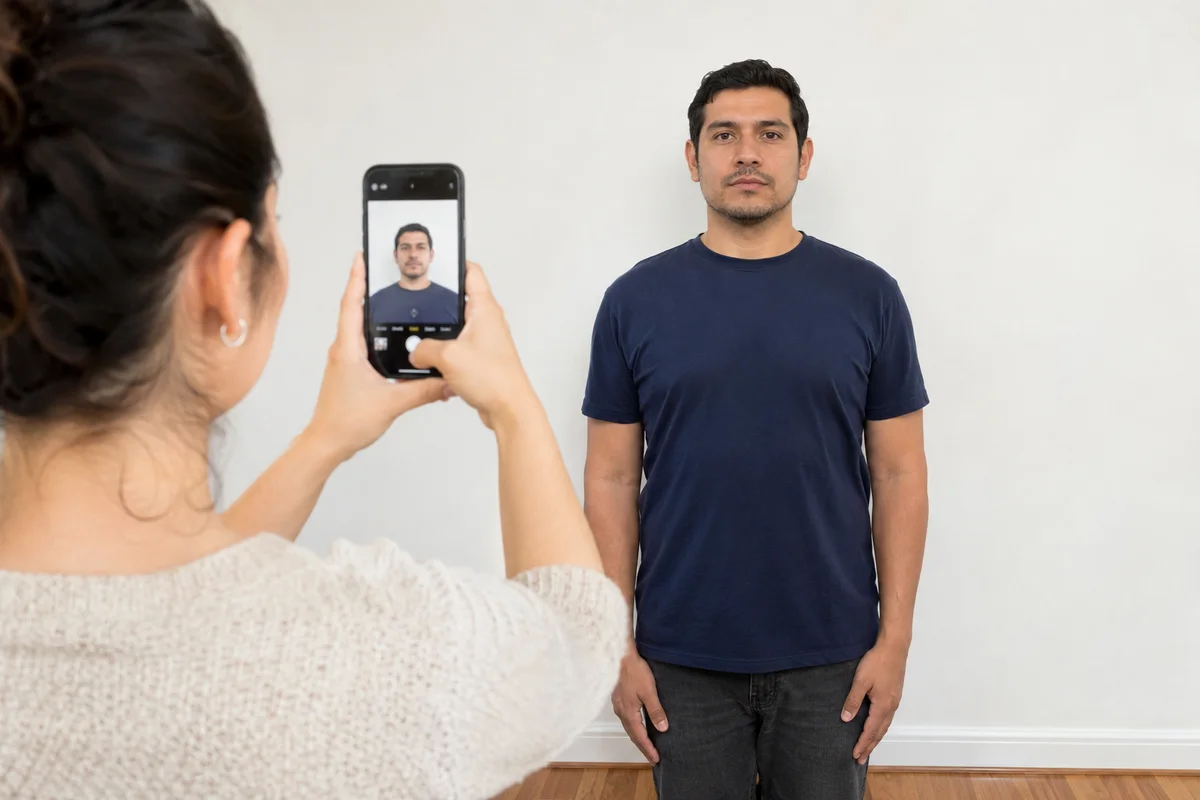
Choose simple clothing, keep your face clear, and maintain a neutral expression.
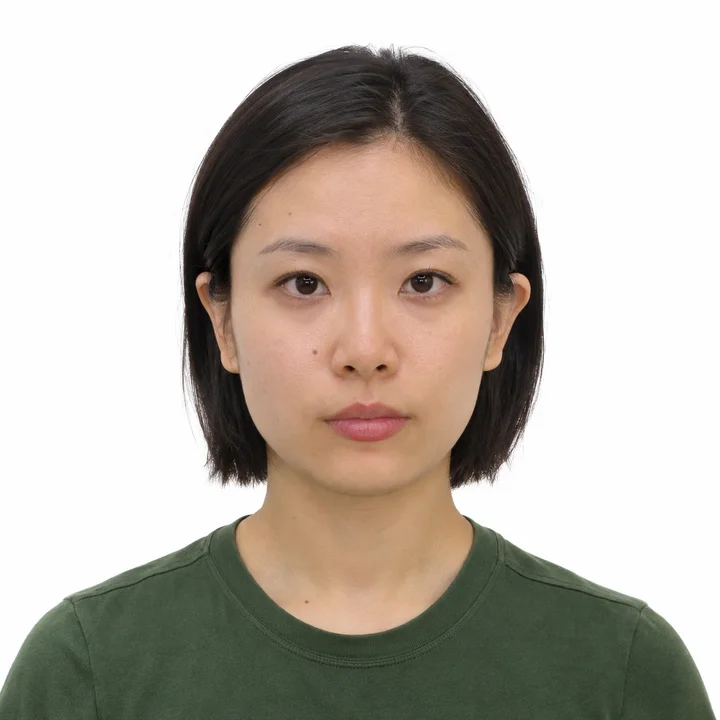
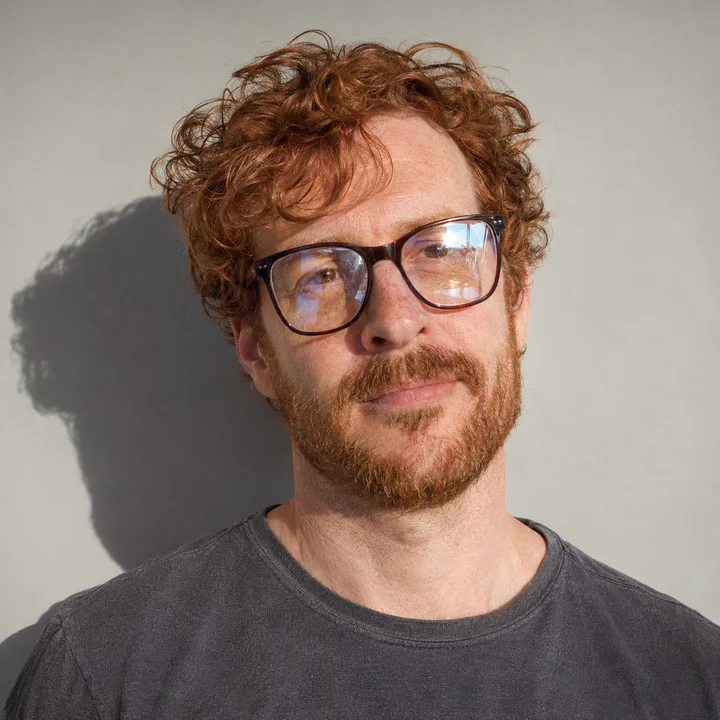
Take or upload a photo in good lighting. Pro equipment is not necessary.
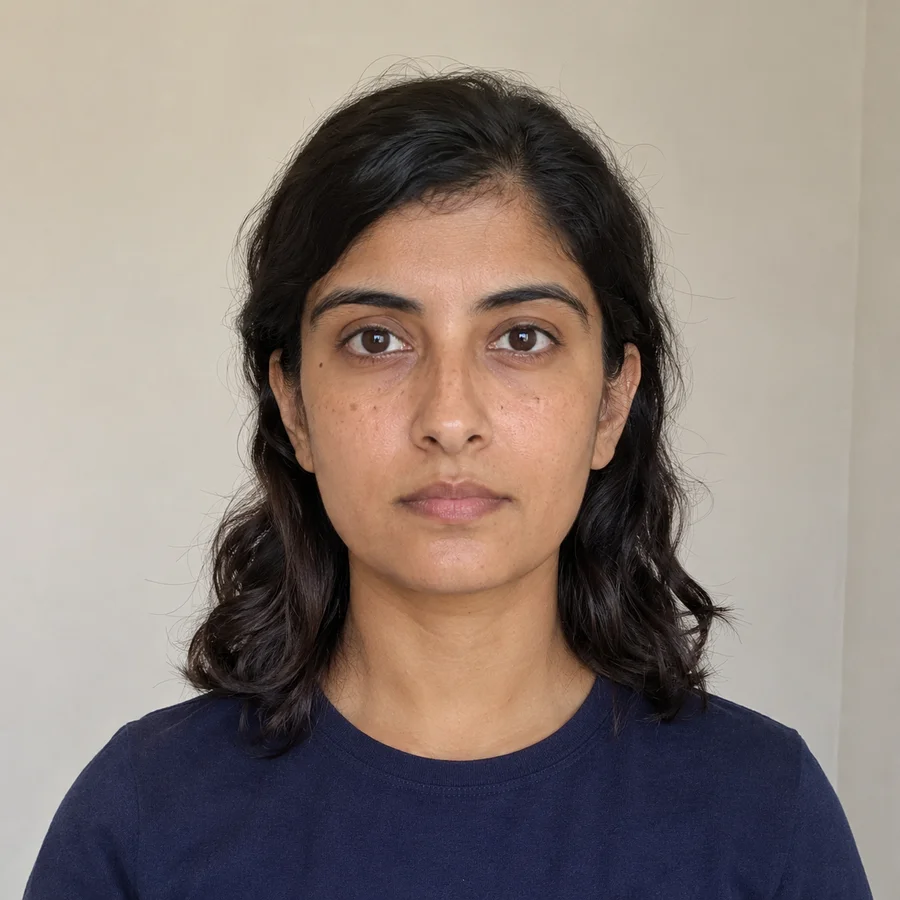
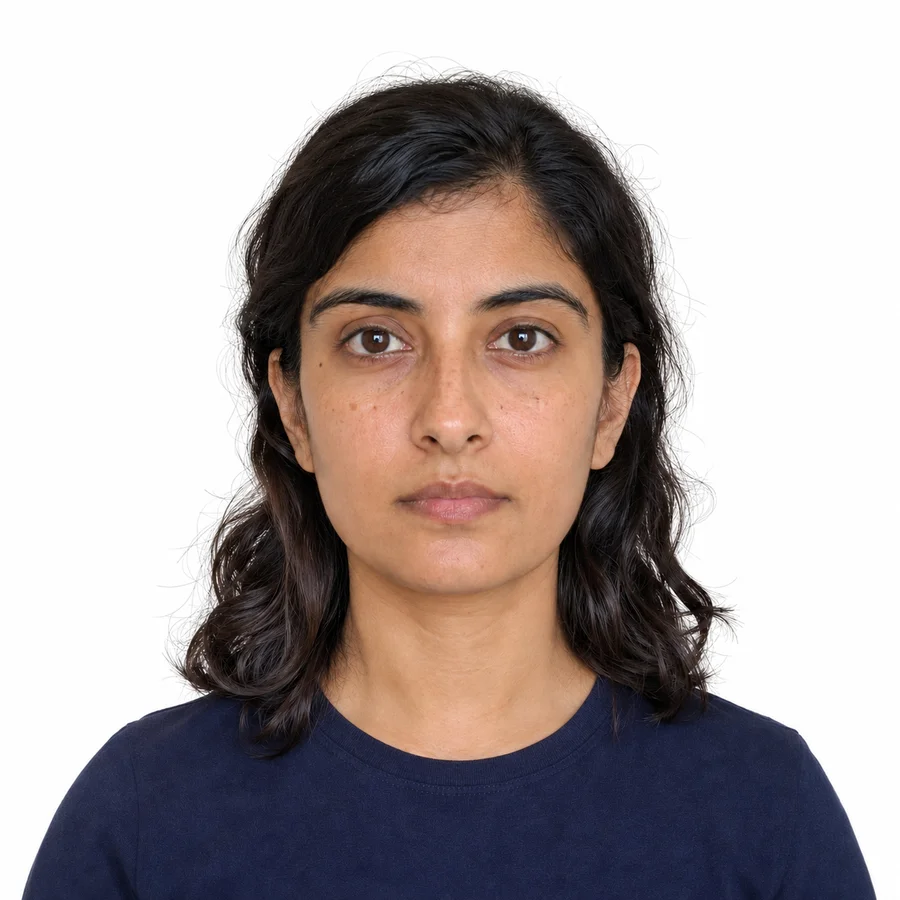
All 6 photos will be 100% compliant with US passport photo requirements.
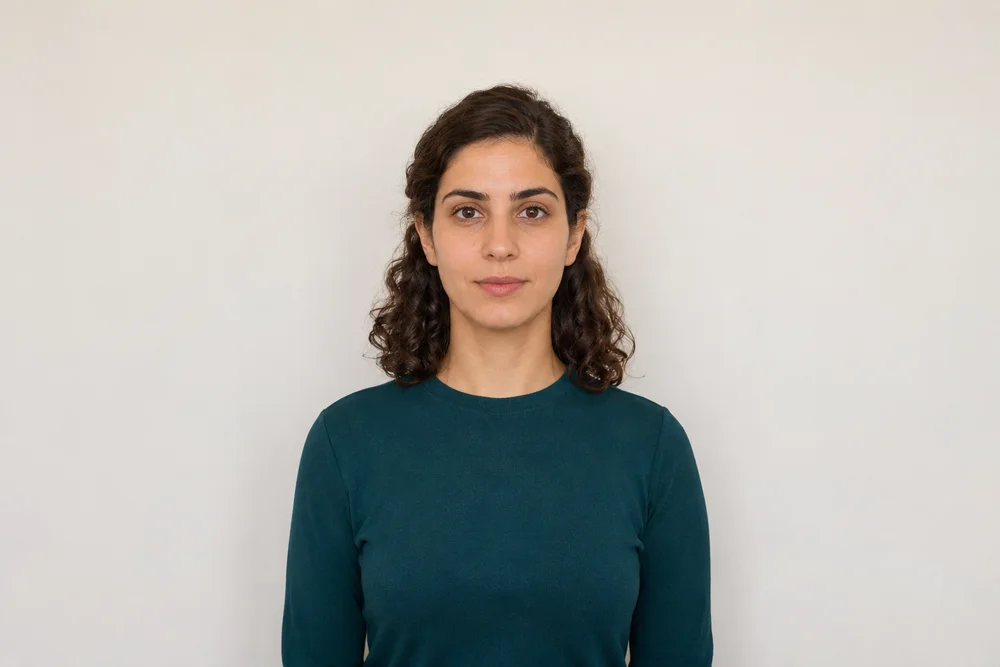
A person checks your photo against the State Department photo rules and emails you within 24 hours.
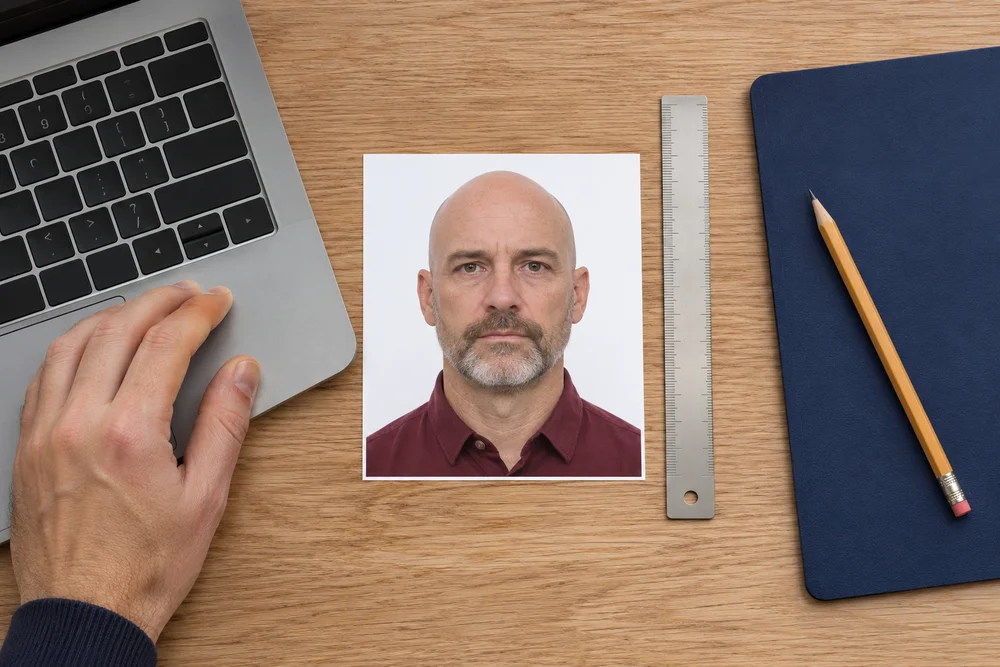
A person checks your photo against the State Department photo rules and emails you within 24 hours.
$4.90
You can select a digital file for online applications, or a printable PDF file for paper submissions.
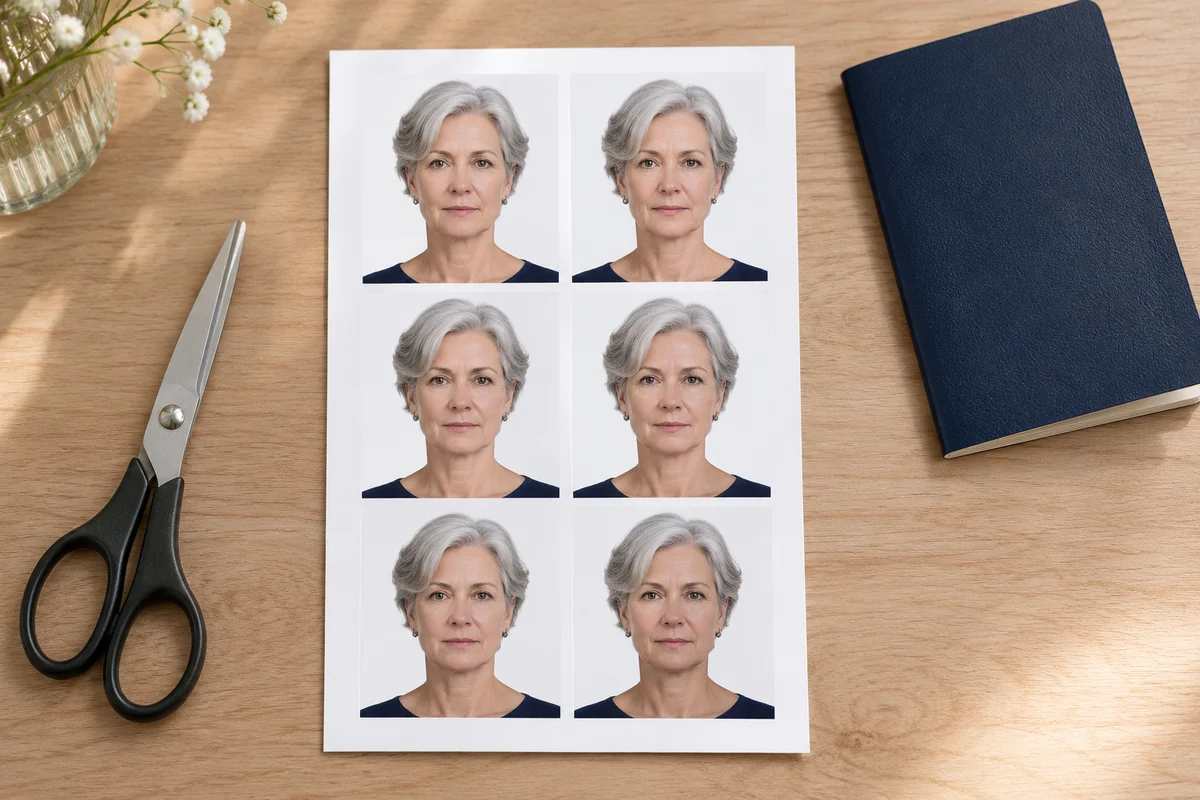
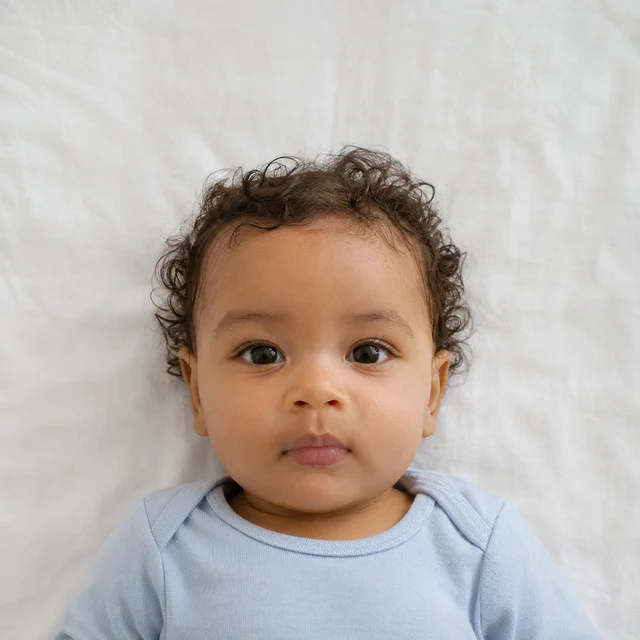
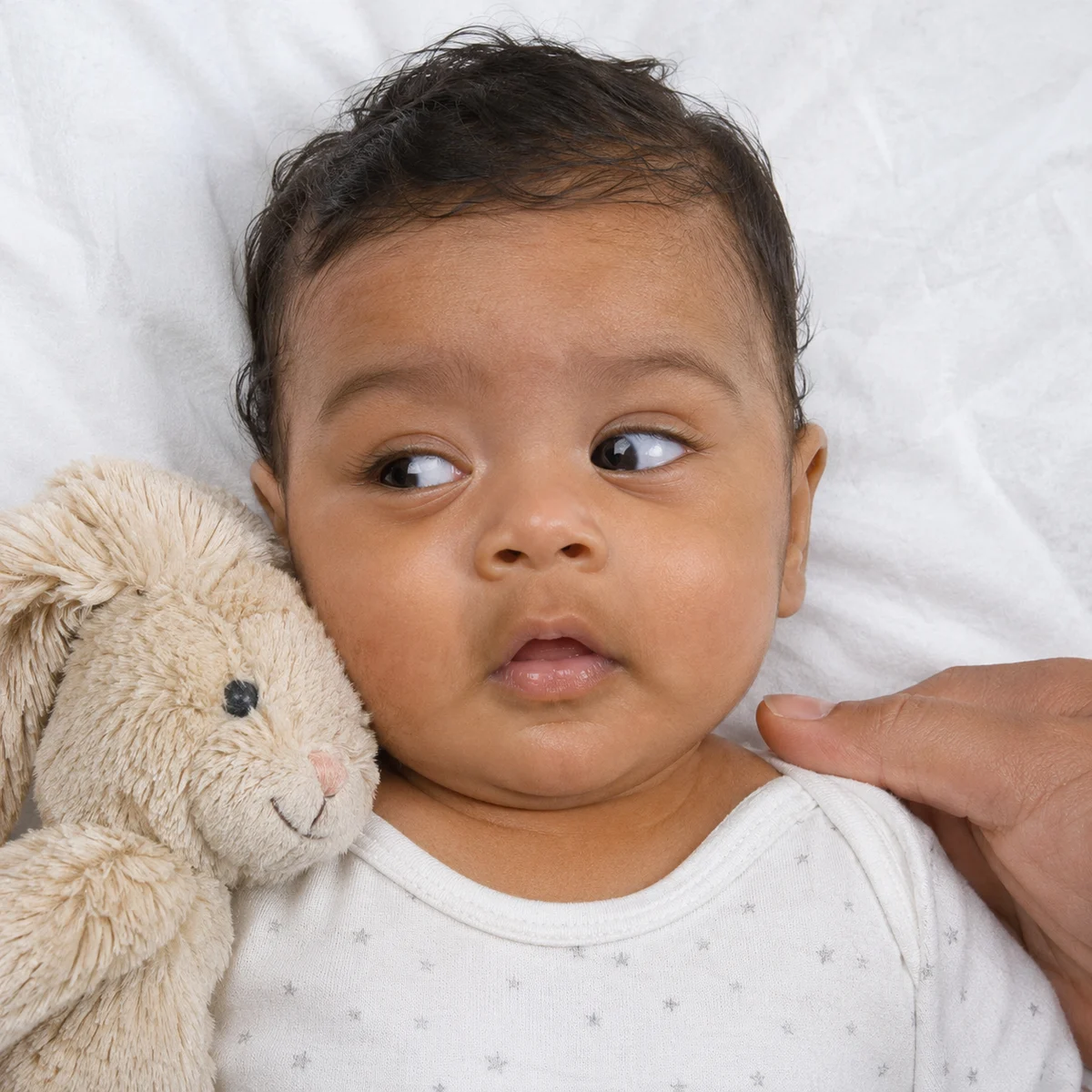
Taking a baby passport photo can be challenging, especially in a studio setting. It’s often easier and more comfortable to do it at home:
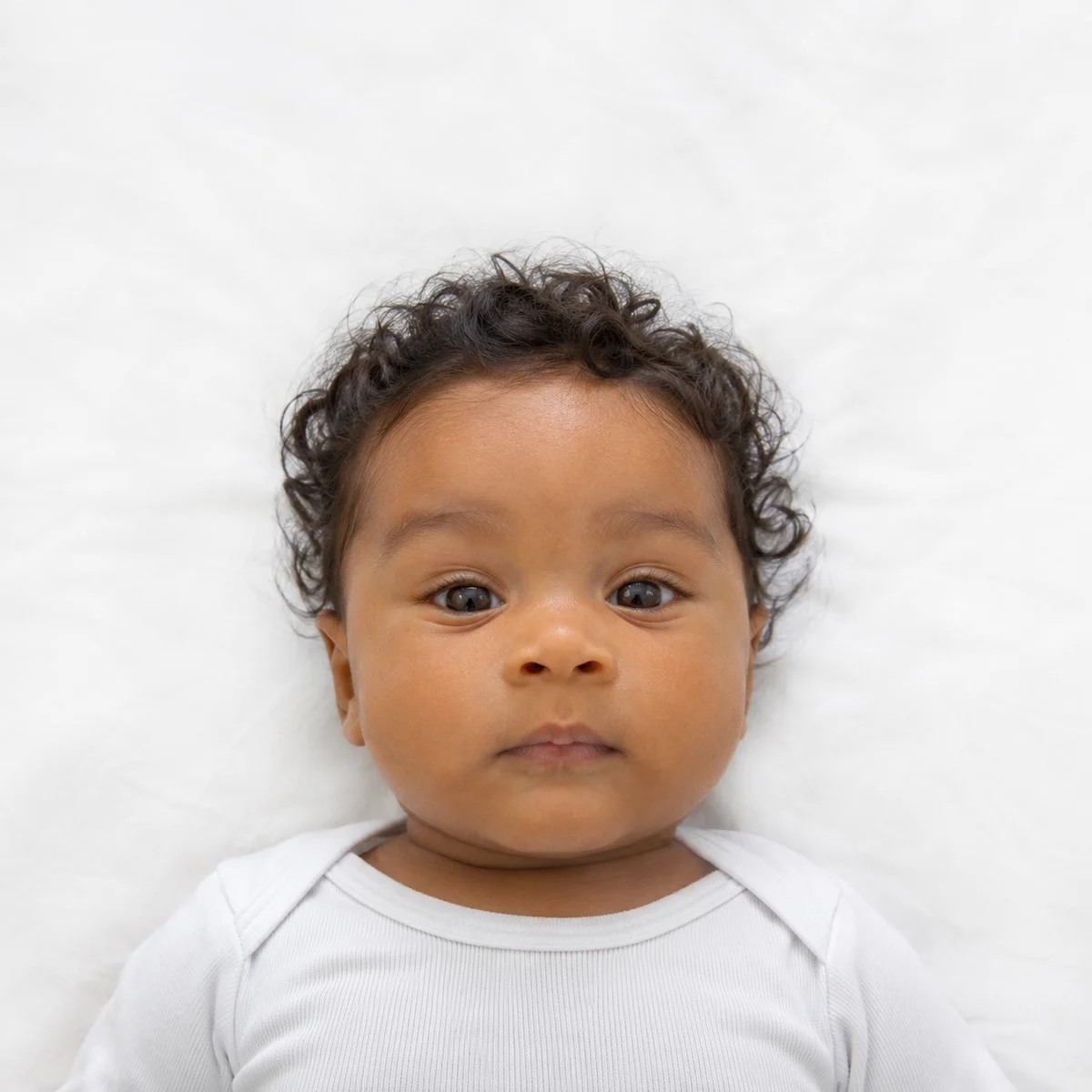
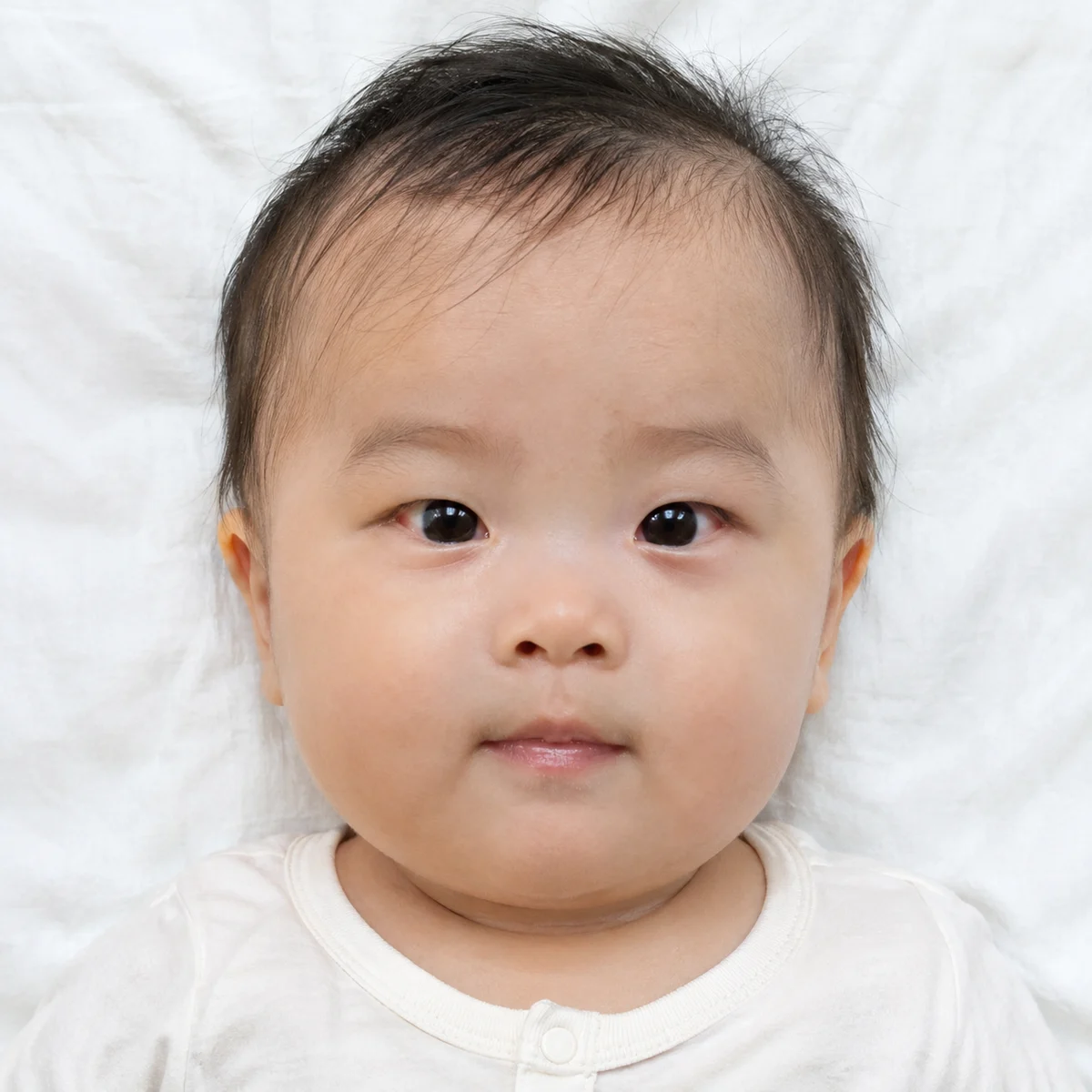
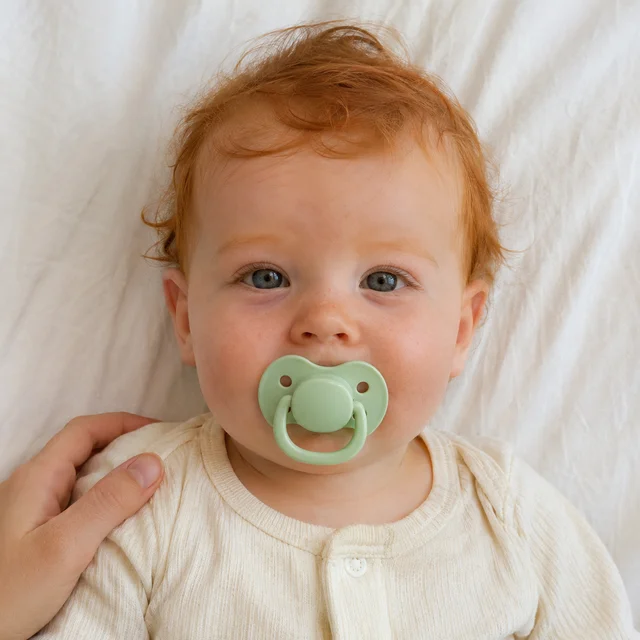
Our service combines verified data, biometric accuracy adherence, and in-house compliance experts working in collaboration with select embassies. All information on the platform is accurate and up-to-date. Learn what stands behind US Passport Photo Online’s global reputation.
by established government authorities, including the U.S. Department of State, His Majesty’s Passport Office (UK), the European Commission, and other national administrations.
to strengthen liaison and verification processes.
of seasoned compliance specialists, including former consular officers, biometric imaging engineers, and immigration media editors.
A secure, distributed infrastructure with proprietary GPU technology processes photos in an encrypted environment, with an embedded compliance system — for consistent accuracy and uptime across all regions.
of our platform to reflect the latest government requirements, ensuring that every processed photograph meets official standards.
a premium add-on that provides an additional layer of compliance assurance. For high-priority applications, users can request an expert eligibility check for a small fee.
All photos created with US Passport Photo Online are formatted according to official government specifications for ID and visa applications, reflecting the size, background, and framing standards of regulatory sources. Final approval of every image is always determined by the issuing authority — such as the U.S. Department of State, HM Passport Office, or equivalent national agencies. US Passport Photo Online operates as an independent private service and is not affiliated with any government or consular institution.
Learn more about our service’s adherence to the Global regulations for ID photos. Important notice for users in the US: Compliance with Official U.S. Department of State Regulations on ID photos digital alterations.
FAQ
It is a software-based tool that processes the original portrait in accordance with the government requirements for a particular identification document. It automatically adjusts the size, head positioning, crop, and background. In mere seconds, you get a fully compliant ID, a visa, or a standard passport photo that is ready for in-person or online application. It is available 24/7, so you save money and time on a visit to a professional photo studio.
You can get a digital passport photo either online or at physical locations such as pharmacies, professional studios, or postal offices — CVS and Walgreens in the U.S., Timpson and Snappy Snaps in the U.K., or Shoppers Drug Mart in Canada.
If you choose to use online services like US Passport Photo Online, you will be saving time and money on a studio or shop visit. Just take a selfie, upload it, choose the country and the photo type, and the service will automatically adjust the size, lighting, and background, giving you a ready-to-use digital or printable file for download or submission.
Generally, it’s perfectly legal to take your own passport photo — provided that it meets the official standards for size, background, lighting, and facial position. The final decision always belongs to the issuing authority, such as the U.S. Department of State, HM Passport Office, or other national agencies. However, some jurisdictions, such as Canada, require only professionally taken passport-size photographs, according to the Immigration, Refugees and Citizenship Canada (IRCC) guidelines.
For U.S. and U.K. applications, photos must be captured against a real backdrop without AI or digital editing. US Passport Photo Online only guides you through posture and lighting, and adjusts cropping to ensure your image meets official specifications. All processed photographs are reviewed against government standards to help you avoid rejections and save time at submission.
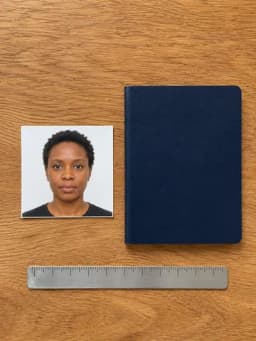
Passport picture dimensions vary depending on the jurisdiction. Here are the most popular ones:
These dimensions are provided for general reference. For official applications, always verify the latest size and format requirements on the government website, through the relevant issuing authority, or our continuously updated platform US Passport Photo Online.
Most countries require a white, off-white, or light-colored background with even lighting and no patterns or shadows.
With US Passport Photo Online, you don’t need to worry about providing an original portrait that exactly matches the requirements for your country and document — our service automatically adjusts it to match the chosen country’s official standards.
For jurisdictions where digital alterations are restricted, such as the United States, the United Kingdom, or Canada, US Passport Photo Online provides cropping and sizing only, without the automatic background removal.
The best place to take a passport photo depends on your comfort level and budget. Popular options include:
At home, using US Passport Photo Online. Take a selfie with your phone in a well-lit area, and our online service will automatically size and crop it to meet official requirements. Download a digital photo and a printable file — and you are ready for submission. Alternatively, you can use any online AI passport photo maker.
In-store services: Get your picture clicked on-site and order prints at places like Walmart, CVS, and Walgreens. It is a quick and convenient choice, and the staff is usually well familiar with ID specifications.
No. General passport photo requirements don't allow smiling. A neutral expression with no smiling or frowning is acceptable. Your eyes should be open, your mouth closed, and your gaze directed straight into the camera. A “neutral facial expression” is required by the International Civil Aviation Organization for the process of biometric identification.
Wear everyday clothes in darker colors that don't blend with the white backgdrop. Avoid patterns, logos, or text. Keep your hair away from your face. Hats, accessories that obstruct the facial features, aren't permitted on identification document photographs. Head coverings worn daily for religious or medical reasons are allowed — but only if they don't obstruct the applicant's face.
It depends on the country that issues the document.
Glasses aren’t permitted in official IDs in the U.S. and the European Union. However, they are acceptable in India, the UK, and Canada, as long as the eyes are clearly visible and the lenses show no glare or light reflection. Always check the identification document photograph guidelines of the issuing country before applying.
Once you've downloaded your digital image from the US Passport Photo Online app, you can choose print service providers in proximity to your home or office — like CVS or Walgreens in the USA, or Snappy Snaps in the U.K., and Shoppers Drug Mart in Canada. Just bring a stick with a digital image, or send it via email, and they will print it for you on the right crop page size.
Even easier if you have a color printer at home — you don't have to wait and order prints outside. Take a single sheet of matte or glossy photo paper, and print it right from your device, using these guidelines:
You can preview and check your passport photo for free, using only your iPhone, Android, or laptop. Just upload your selfie and wait until the system processes it, using the cropping tool, background remover, lighting, and head positioning corrector, adhering to the government standards for your chosen document and country.
US Passport Photo Online is a software-based service that automatically adheres to the official passport and visa ID regulations set by government authorities, such as the U.S. Department of State, HM Passport Office, Immigration, Refugees and Citizenship Canada (IRCC), and the International Civil Aviation Organization. The platform applies sizing, cropping, and background adjustments according to the requirements of each country and document type, while our built-in compliance system automatically checks every processed image against official specifications for each destination. All information on our website is manually checked by our experts — compliance experts and immigration media editors.
For applications of high importance, the US Passport Photo Online users can add human verification for an extra layer of eligibility and compliance checks. Learn more.
The preview is free. Digital photos start from $6.90. Digital photo + print sheets cost $9.90. You pay once, with no subscription. See our options.
The US Passport Photo Online's paid Premium Features include:
Digital photo: Your digital photo (JPEG, no watermark) at the exact size for your document. Re-download anytime for 7 days.
Digital photo + print sheets: Your digital photo (JPEG, no watermark) plus print-ready 4x6 and A4 sheets as JPEG and PDF (300 DPI). Re-download anytime for 30 days.
Print sheets: Print-ready 4x6 and A4 sheets as JPEG and PDF (300 DPI).
Human review: A person checks your photo against the State Department photo rules and emails you within 24 hours.
Extra crops: Alternative crops of your photo, each inside the official head-size and eye-line ranges, in one ZIP. No retouching.
You can purchase these add-ons with a single click upon checkout. The price will automatically appear in your basket. Now your fully compliant ID picture is ready to be downloaded and printed at home or with print service providers.
No. US Passport Photo Online is an independent service and is not affiliated with any government, embassy, or consulate. All information on the platform is based on official government requirements and verified primary sources. Final acceptance of your photo is determined solely by the issuing authority.
No. US Passport Photo Online cannot guarantee that your identification document photograph will be accepted, as approval depends on multiple factors, including the application you submit and your overall eligibility. However, we guarantee full compliance with the official requirements for 1 country and 5 document types. When you use our online tool, you can be confident that the final image will comply with the official standards set by state authorities.