Passport photo checker
Check any photo against the U.S. passport rules in about 10 seconds. Free preview, no account.
The rules at a glance
U.S. passport- Photo size
- 2 × 2 in (51 × 51 mm)
- Digital file
- 1200 × 1200 px JPEG at 600 DPI
- Head size
- 1 to 1 3/8 in (25-35 mm), chin to top of head
- Background
- Plain white or off-white, no shadows
- Expression
- Neutral or natural smile, eyes open, mouth closed
- Glasses
- Not allowed
- Photo age
- Color photo taken in the last 6 months
- Paper
- Matte or glossy photo paper
The State Department says unacceptable photos are the number one reason it puts passport applications on hold. Upload a photo and we measure it against the published rules on travel.state.gov (opens in a new tab) (rules checked Oct 2026). You see the result for every rule before you decide to pay. Renewing online? Use the free check, then read our digital passport photo guide for the upload rules.
Why photos get rejected
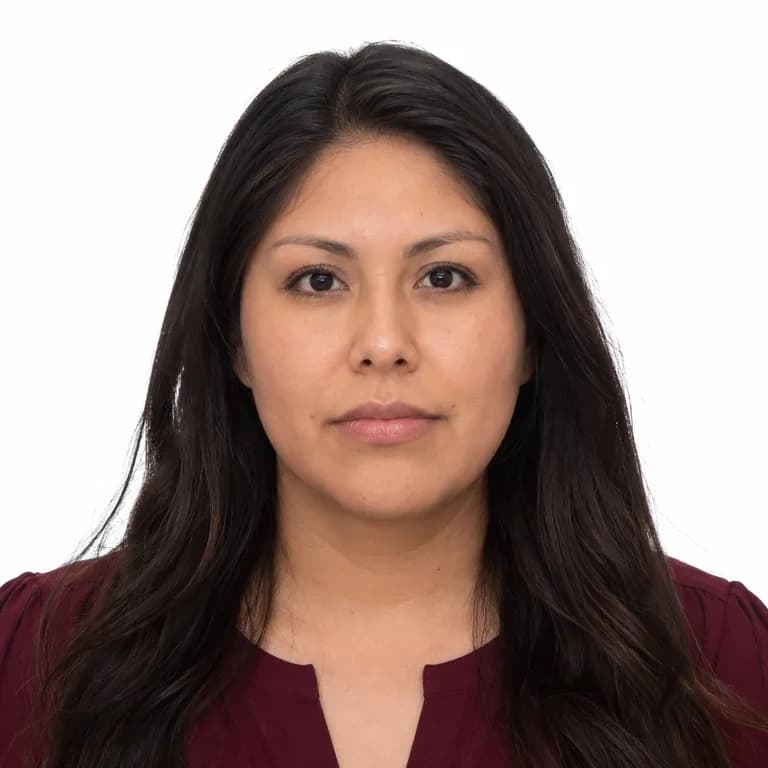
 Acceptable
Like this
Plain white, centered
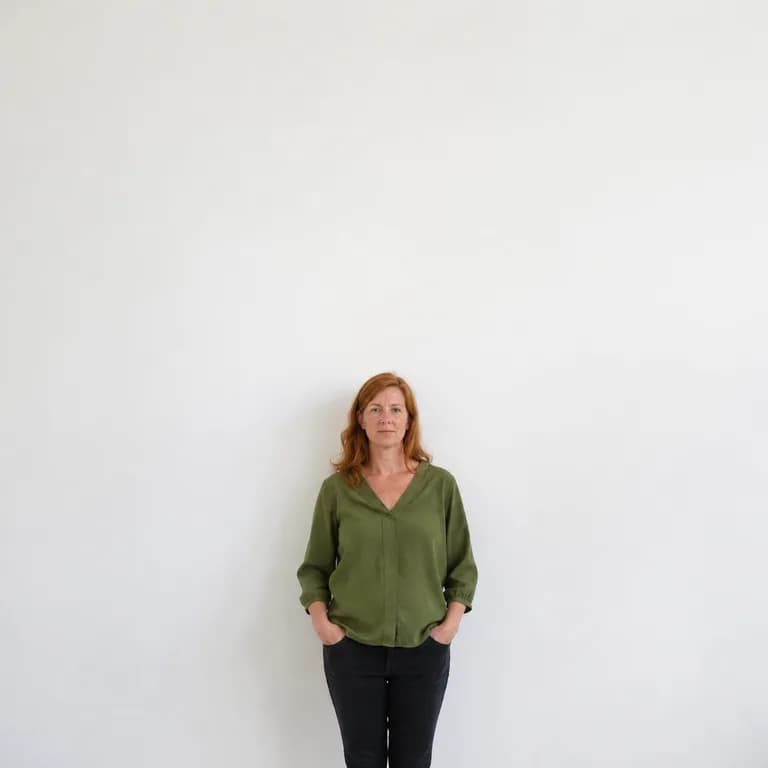 Rejected
Too far away
Head too small
 Rejected
Head tilted
Keep it level
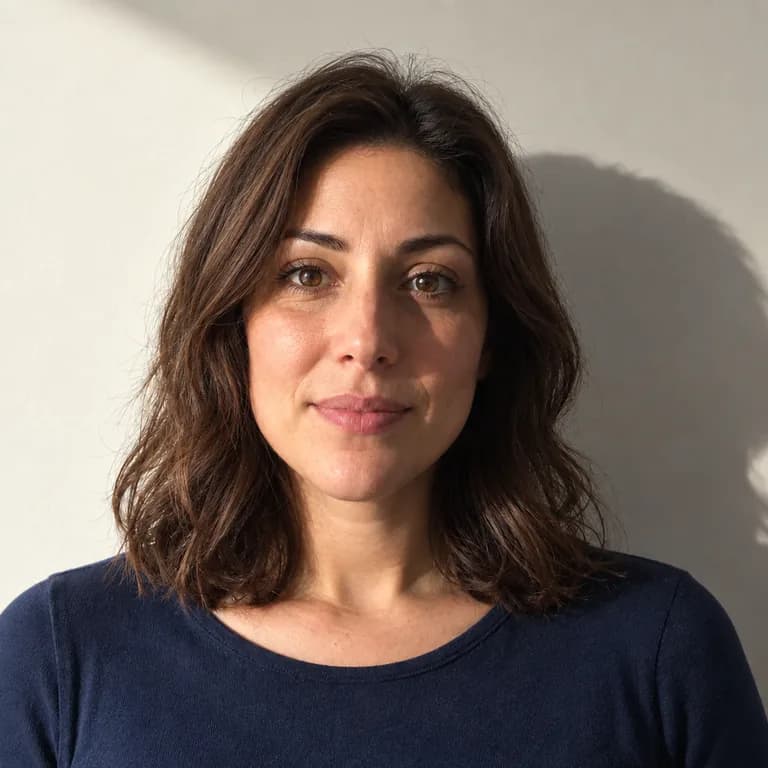 Rejected
Side shadow
Face a window
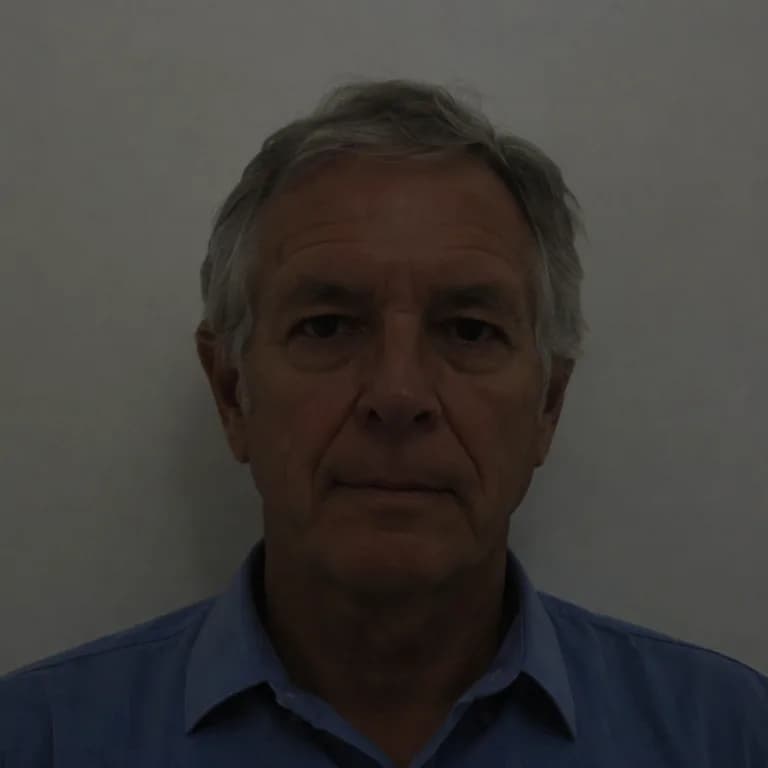 Rejected
Too dark
Find more light
 Rejected
Glasses on
Take them off
 Rejected
Big smile
Close your mouth
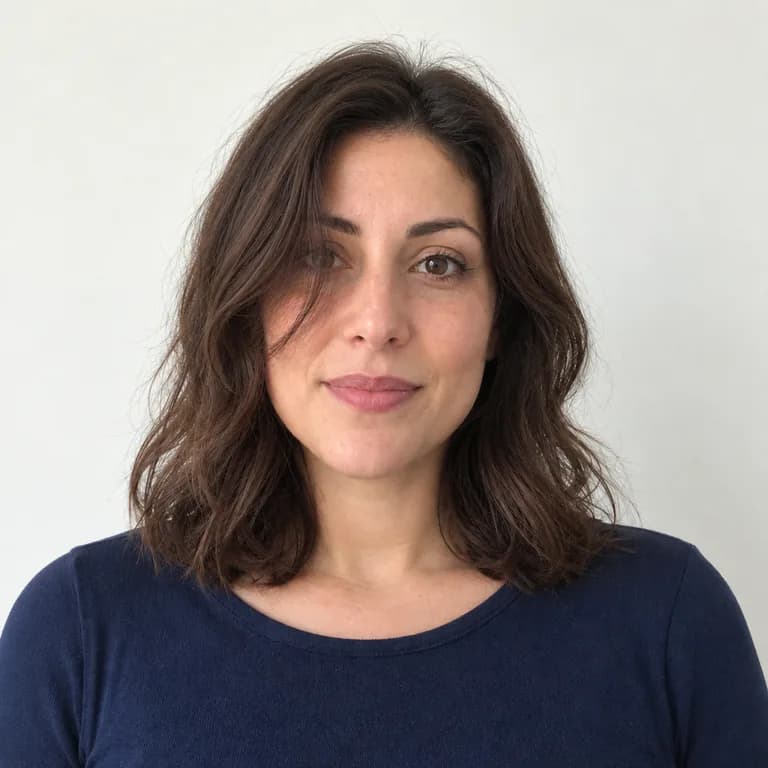 Rejected
Hair over eyes
Keep your eyes clear
How it works
Upload your photo
Use a clear, front-facing photo of just you, taken against a plain wall in even light, from your phone or computer.
We crop it and check it
We crop it to size and set a plain white background. No retouching. Then we check head size, eye line, photo size and face count, and show you every result.
Pay once and download
The preview is free. If it passes, pay once ($6.90 or $9.90) to download the photo and, with Digital + Print, a 4×6 sheet to print.
What we measure, and what you confirm
We measure these on your photo, and only these get a check mark:
- Photo size: 2 × 2 in, saved as a 1200 × 1200 px file
- Head height: 1 to 1 3/8 in from chin to the top of the head
- Eye line: 1 1/8 to 1 3/8 in from the bottom
- Exactly one face, looking at the camera
- Head tilt, open eyes and a neutral expression, checked by facial analysis
You confirmthe rest, because no software can judge it reliably: the photo is in color and less than 6 months old, you aren’t wearing glasses, a hat or headphones, and nothing was filtered or retouched. We crop the photo and set a plain white background. We never retouch your face.
Questions
Will my photo be accepted?
We check your photo against the published rules (size, head height, eye line and face count) and show you every result before you pay, so you know it meets the requirements. If a paid photo is rejected after you followed our report, we review it for a refund within 30 days.
Is there an official State Department photo tool?
Yes, for cropping. The State Department's free Photo Tool at tsg.phototool.state.gov (opens in a new tab) crops a photo to a 600 × 600 px square, and it says it is for cropping only: a State Department employee still decides whether the photo is acceptable. It also tells U.S. citizens not to use it for online passport renewal, because opr.travel.state.gov (opens in a new tab) has its own photo check. Our free check measures head size, eye line and face count and shows the result for each rule.
Do you change my photo?
Yes, in two ways, and we tell you up front. We crop and resize it to the 2×2 inch layout, and our processor sets the background to plain white. We never retouch your face, skin, hair or expression. The State Department asks for an original, unedited photo on a plain white or off-white background, so take it against a plain white wall: that keeps the background change as small as possible. For online renewal we don't sell an edited file at all.
Can I wear glasses?
No. Glasses haven't been allowed in U.S. passport or visa photos since November 1, 2016. If you can't remove them for medical reasons, include a signed doctor's statement with your application. Take them off and keep your hair away from your eyes.
What do I get, and what does it cost?
Digital, $6.90: your digital photo at the size for your document, available for 7 days. Digital + Print, $9.90: digital files plus 4×6 and A4 print sheets as JPEG and PDF, available for 30 days. You pay once, with no subscription. The preview is free. Optional add-ons, including human review, are shown at checkout.
Is this an official government website?
No. US Passport Photo Online is an independent service, not affiliated with the U.S. Department of State or any government agency. The official photo rules are at travel.state.gov (opens in a new tab), and only opr.travel.state.gov (opens in a new tab) can renew a passport online.
Check your photo before you send it
Free preview, no account. You see every result before you pay.
Independent service — not affiliated with the U.S. Department of State or any government agency.